
What Cline does
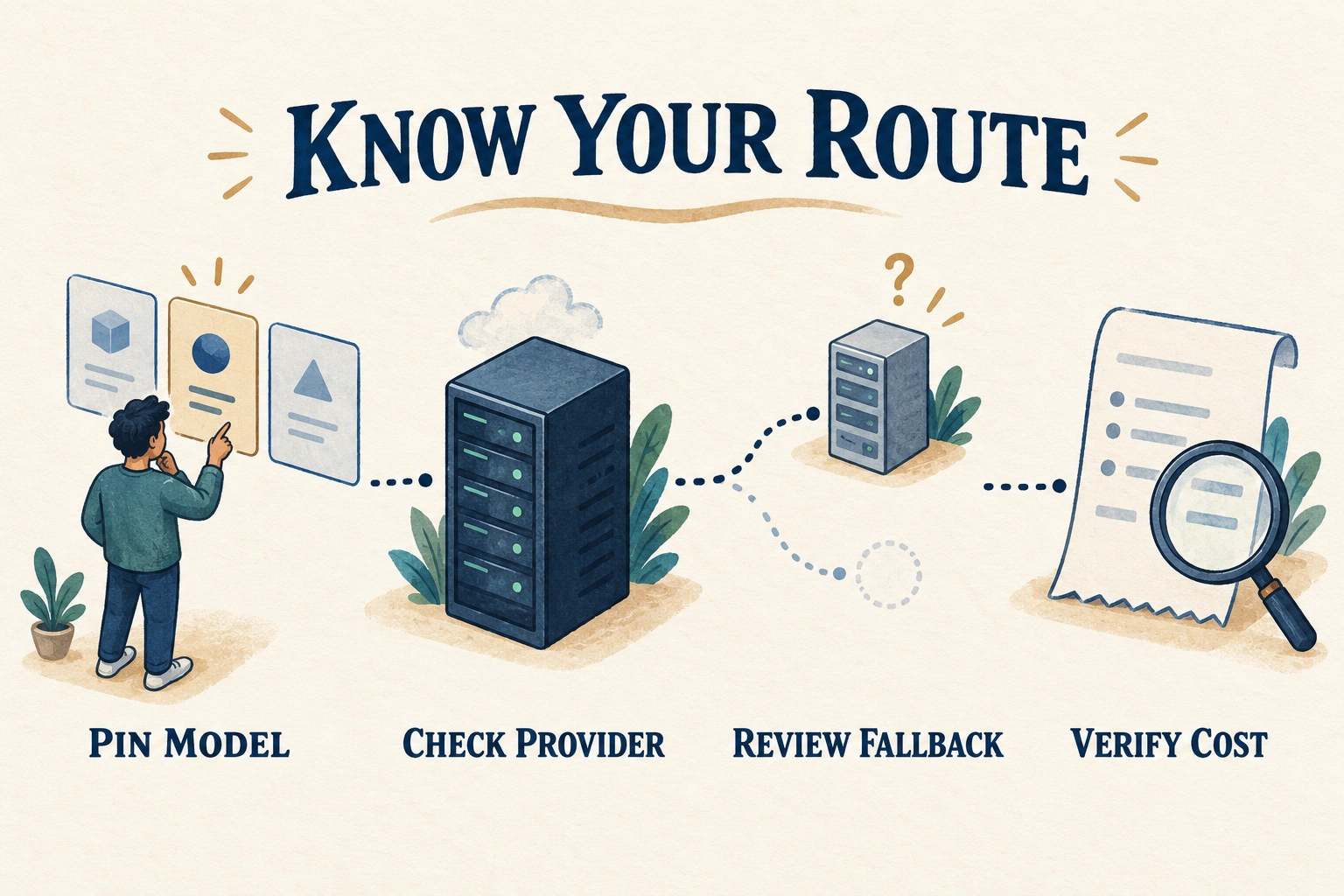
October 13 review of Cline SDK v0.0.93: plugins load in-process rather than in a node/bun subprocess. CLINE_PLUGIN_MODE=sandbox retains the subprocess mode. This SDK-specific change does not establish matching behavior in the extension, Desktop, other CLI builds or external MCP servers.
SDK v0.0.93 reports plugin states and pluginIssues. It also fixes queued runs staying pending, records provider errors as failed runs, and cancels superseded cron occurrences instead of replaying every missed slot. These are vendor reports, not proof of execution or delivery.
October 8 review of Cline CLI v3.0.70: cline mcp add now retains --header values through the setup wizard; previously accepting prefilled answers could save a remote server without headers, including Authorization. Preserving a header is not proof of the credential's scope or successful authentication.
CLI schedule create, update and import now reject impossible delivery configurations, including --delivery-adapter without --delivery-thread or an unknown connector adapter. Previously such schedules could save without posting results. The CLI also rejects formerly ineffective schedule flags: --autonomous, --no-autonomous, --idle-timeout, --poll-interval and --delivery-channel; saved schedules still load. These are CLI changes, not extension, Desktop or SDK version claims.
Cline extension v4.1.23, reviewed October 7, refreshes provider defaults again. Vultr renamed model identifiers upstream, so even a pinned Vultr model may require re-selection. The release also corrects a v4.1.22 request-option regression causing 400 errors through custom Anthropic base URLs, including Azure AI Foundry and corporate gateways. These extension claims do not establish Desktop or CLI behavior.
For oversized MCP results, v4.1.23 supplies a preview and a link that read_files can page through instead of losing the remainder. It also corrects approval-panel timing so a late update failure does not reject a later, unrelated approval. Access to more output is not permission for new actions; ShipStackLab's guidance is to keep returned content untrusted and review its disclosure scope.
Cline extension v4.1.22, reviewed September 30, changes unpinned defaults again: OpenAI, OpenRouter and GitHub Copilot are among the providers moving to GPT-6.1 Sol. Other routes select different models; the release is not a universal default or a cost benchmark.
In v4.1.22, direct Anthropic requests use Anthropic's server-side refusal fallback. Through OpenRouter or Cline, Anthropic models may fail over to another upstream provider. These are different routing paths. The release also corrects double-counted reasoning tokens while stating that cost is unchanged; a lower displayed token count is not a price cut.
Cline extension v4.1.21, reviewed September 28, raises the minimum js-yaml dependency to 4.3.2 for a security fix in rule and skill frontmatter parsing. The release does not establish an exploit severity or prove that previously loaded files were harmless. It also changes unpinned default models for 19 providers; record the actual model before comparing runs.
Cline v4.1.19 fixes Windows executable lookup in the VS Code extension and JetBrains core: a repository-local rg.exe, git.exe or powershell.exe could otherwise run during workspace indexing before the intended PATH executable. The release sets NoDefaultCurrentDirectoryInExePath at startup, inherited by child processes. This is an extension/core release, not a claim about a similarly numbered Desktop build.
Cline CLI v3.0.63 addresses the same Windows working-directory executable lookup in the CLI and hub daemon. SDK v0.0.84 exposes disableCurrentDirectoryExecutableSearch() through @cline/shared; custom Windows hosts embedding @cline/core should call it before spawning processes. These are separate CLI and SDK versions, not Desktop version numbers.
CLI v3.0.63 and SDK v0.0.84 also change configured subagent approvals: the parent policy still controls delegation, but the child no longer inherits the parent's per-tool approval policy and callback. Configured tool allowlists and disabled-tool filtering remain. Parallel child calls do not remove the parent's wait for their results; preparation, hooks, and approvals remain sequential.
The separate Cline v4.1.20 extension release also removes individual tool prompts for configured subagents after delegation is approved. It permits concurrent child calls while the parent still waits for all results. For large-output models, the default output budget becomes the larger of 32,000 tokens or 30% of the advertised output limit; models below roughly 107,000 output tokens are unchanged. Longer permitted responses can increase cost and latency, not guarantee better work. The release also changes unpinned defaults for 36 providers.
Cline is a coding agent that can inspect a repository, edit files, run commands, and connect to external tools through Model Context Protocol (MCP) servers.
Cline Desktop v0.0.26 fixes ChatGPT (Codex) sign-out being undone when the runtime re-imported credentials from the classic extension. Sign-out now also clears legacy Codex credentials; a failed clear is reported as a sign-out failure.
Cline Desktop v0.0.27 fixes Cline and Cline Pass sign-out not persisting. Cline credentials could be re-imported from the classic extension after sign-out, while Cline Pass sign-out had no effect because its credentials lived under the Cline provider entry. The v0.0.26 fix covered only ChatGPT (Codex) credentials, not these provider routes.
In Desktop v0.0.27, a rejected Cline refresh token produces a signed-out state and a sign-in prompt instead of falling back to an unusable persisted access token. Transient refresh failures still allow fallback; a temporary connection failure is not the same as a rejected credential.
In Desktop v0.0.26, prompt tracing to Cline's backend is limited to Cline and Cline Pass requests; turns using your own provider keys are excluded from that tracing. This is not a promise of zero telemetry, no logging by the external model provider, or deletion of historical data.
Cline v4.1.16 tightened two security boundaries: credentials embedded in Git remote URLs are redacted from workspace information sent to the model, and the global “Use MCP servers” toggle is the sole MCP auto-approval control because the former per-tool checkboxes were no-ops.
Cline Desktop v0.0.20 centralized agent-created schedules at ~/.cline/schedules, fixed hub-managed schedules disappearing after app updates, and made checkpoint restore refuse to reset a workspace when commits were made after the checkpoint.
Cline Desktop v0.0.21 made session cancellation propagate to delegated subagents and teammates. It also refreshes provider models from a live catalog and updated model lists, pricing, and resolved defaults for about 36 providers, so an unpinned provider can select a different default model.
Cline Desktop v0.0.23 discovers Agent Plugins under ~/.agents/plugins, validates plugin.json, exposes valid skills, and automatically starts their MCP servers. Workspace-local .agents/plugins are intentionally ignored; Agent Plugins have separate controls from Cline Plugins in Settings > Customize.